Apps and extensions designed to make the internet give more than it takes.
founded on the premise
Technology was meant to make our lives better. Not make it more stressful
Make sense of things with tools built to give you
clearer thinking, visualizing, and decision-making.
Take back your attention with tools built to help you
decompress, focus, and enjoy.
See what's out there with tools built to help you
learn, discover, and explore new hobbies.
Each tool provides a path for better thinking, creating, and living. Click to explore tech worth using.
Make sense of things with tools built to give you
clearer thinking, visualizing, and decision-making.
Trifecta is a new take on mind mapping, where visual cross references are the main idea, even across separate canvases. Endlessly customizable within a three-fold format, and as visually aesthetic as you want it to be.
You're not bound to canvas formatting either. Keep it simple with custom dates, notes, and tasks in the sidebar, incorporating the canvases as much or as little as you please.
Just Launched!Trifecta's unique style of canvas, taken to the next level. Benevision is built primarily for artists and the aesthetically inclined, using that same freeform, cross-referencing canvas, reimagined as a creative space rather than a productivity tool.
If you like Trifecta's canvas but don't care so much for the mind mapping and note-taking side of things, this one's for you.
Coming SoonLife can go down many possible roads. Forethought helps you navigate them easily with a timeline branch canvas format built for future mind mapping.
Map out where each choice could lead, compare paths side by side, and pick the timeline that actually suits your goals and ambitions before you commit to it.
Coming SoonTake back your attention with tools built to help you
decompress, focus, and enjoy.
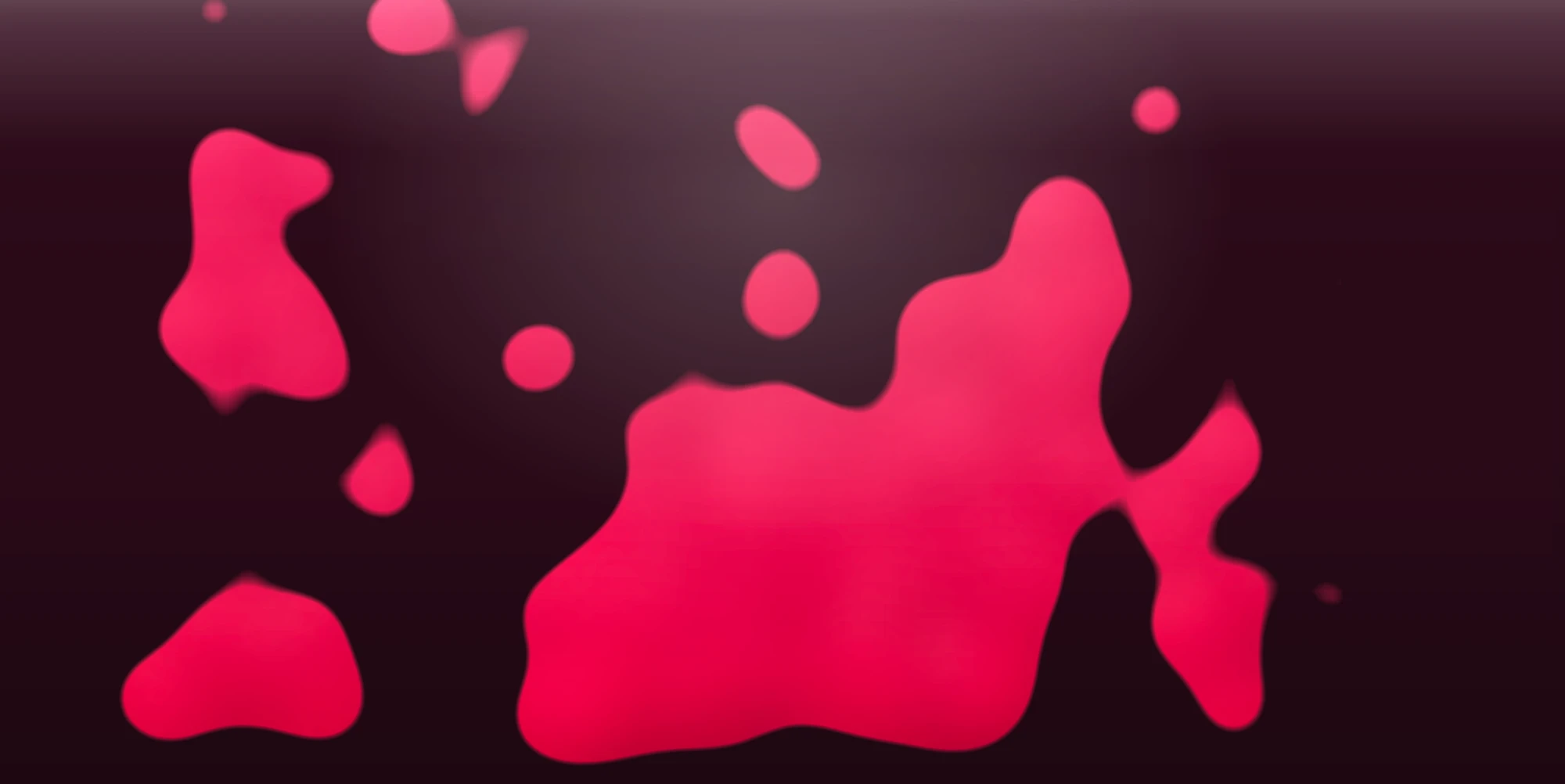
Lumi Lava brings a beautiful, interactive lava lamp to your device. After the opening lava animation, press down and drag your finger across the screen to push the lava around and split it into multiple pieces. Try the shake, repel, and center buttons for even more fun.
Tweak the lava physics however you like. Pick your color mode in the presets area, and in the settings adjust gravity, viscosity, and plenty of other sliders. Flip on Transition Mode and watch the colors slowly shift on their own. No accounts required, and no internet required after install.
Benevolent Blocker is a Chrome extension that helps you stay focused by hiding distracting elements across major social media and video platforms, so you can spend less time scrolling and more time doing.
Use the point-and-click element picker to block anything specific, set word or phrase filters to hide posts containing triggers, and add password locks for extra friction on tempting distractions. Schedule blocking during specific hours and days, choose between blur and hide in settings, and track your streaks for motivation.
Fed up with vague, yet anxiety-provoking horoscopes? Benova is an astrology app that helps you see only the benefic aspects of your chart, on a schedule that best suits you.
During night time mode, custom Yoga Nidra sessions based on your current transits become available, helping you sleep in resonance with your celestial nature.
Coming SoonSee what's out there with tools built to help you
learn, discover, and explore new hobbies.
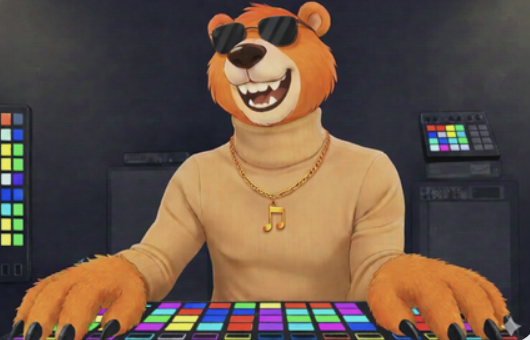
Set A-B loop points on any video with visual timeline markers and keyboard shortcuts. Media Looper gives you complete control over video playback, letting you create, save, and manage up to 20 independent loop points per video, stored locally in your browser, automatically, with no account needed.
Set precise start and end points on any video, fine-tune them frame by frame, organize them into numbered slots with custom colors and personal notes, trigger them instantly with keyboard shortcuts, and undo accidental changes. Used by DJs, musicians, dancers, language learners, students, athletes, content creators, and transcriptionists alike.
Tired of going to the same places? Needing a new hangout spot? Niche Lookout uses a unique combination of maps services to help you find spots to visit and frequent, based on the shared personality of your friend group.
Easy to set up, and full of personalized routes. If you're an explorer, this one might be hard to put down.
Coming SoonPic Fix is a professional photography learning and teaching tool that helps you intuitively learn how to change the settings of a professional camera.
Adjust the shutter speed, F-stop, and ISO on test images and your own custom images. You should get the hang of it in no time.
Coming SoonBehind the Brands: why we do what we do, and who we do it for.
We craft delightfully simple apps and software that sparks wonder and makes everyday tasks a breeze.
From sleek mobile apps to cloud-powered tools, we turn bold ideas into experiences that genuinely help people, without the noise, the manipulation, or the distraction.
We believe the internet should leave you better than it found you. Progression should belong to, and be shared by, everyone.
For anyone seeking solutions and alternatives to the everyday rigamarole that is modern media. If you value your time, energy, or sanity, you're in the right place.
Trifecta's unique style of canvas, taken to the next level. Primarily meant for artists, and the aesthetically inclined.
If you like Trifecta's canvas but don't care so much for the mind mapping / note taking ability, this one's for you.
Coming Soon
Trifecta is a new take on mind mapping, where visual cross references are the main idea, even across separate canvases. Endlessly customizable within a three fold format, and as visually aesthetic as you want it to be.
Inside you are not only bound to canvas formatting either. If you like, you can keep it simple with custom dates, notes and tasks in the sidebar, incorporating the canvases as much or as little as you please.
Just Launched, Beta
Set A-B loop points on any video with visual timeline markers and keyboard shortcuts
Precision Playback Control
Media Looper gives you complete control over video playback. Create, save, and manage up to 20 independent loop points per video, stored locally in your browser, automatically, with no account needed.
Set precise start and end points on any video, fine-tune them frame by frame, organize them into numbered slots with custom colors and personal notes, trigger them instantly with keyboard shortcuts, and a full undo button to fix accidental changes.
All data is saved locally using Chrome's storage API and never leaves your device. No accounts, no servers, no data collection. Simple as that, the bear will explain the rest (:
chrome web storeFed up with vague, yet anxiety provoking horoscopes? We can help with that.
Benova is an Astrology app that helps you only see the benefic aspect of your chart on a schedule that best suits you.
During night time mode, custom Yoga Nidra sections based upon your current transits become available to you, helping you to sleep in resonance with your celestial nature.
Coming Soon
Tired of going to the same places? Needing a new hang-out spot? Look no further.
Niche Lookout utilizes a unique combination of maps services, which helps you find unique locations to visit and frequent, based on the shared personality of your friend group.
Easy to set up, and full of personalized routes, if you are an explorer, this one might be hard to put down (:
Coming Soon
Picfix is a professional photography learning/teaching tool that helps you intuitively learn how to change the settings of a professional camera.
With the ability to adjust the Shutter Speed, F-Stop, and ISO on test images and your own custom images, you should get the hang of it in no time (:
Coming Soon
Life can go down many possible roads, Forethought helps you navigate them easily.
Forethought offers a timeline branch canvas format for future mind mapping that helps you pick the proper timeline that suits your goals and ambitions.
Coming Soon
Lumi Lava brings a beautiful, interactive lava lamp to your device. After the opening lava animation, press down and drag your finger across the screen to push the lava around and split it into multiple pieces. Also try the shake, repel, and center buttons for even more fun (satisfying)
Tweak the lava physics however you like. You can pick your color mode in the presets area (we prefer "Trifecta"), and in the settings, you can adjust gravity, viscosity, and many other sliders you'll love to customize. P.S Flip on Transition Mode and watch the colors slowly shift on their own
It's not just entertainment. Lumi Lava is a great de-stressor after hard work, helping you come back to tasks with a fresher mindset (:
No accounts required, and no internet required after install. Have fun (:
Block distractions with customizable presets, point-and-click element hiding, and password-protected willpower locks.
Benevolent Blocker is a Chrome extension that helps you stay focused by hiding distracting elements across major social media platforms.